Here is the instruction on connecting Launch X431 IMMO series tablets (IMMO PAD/IMMO PRO/IMMO PLUS/IMMO Elite) with DBScar and X-prog3 immobilizer programmer.
*DBScar & x-prog3 are included in the immo tablet package.

Connect DBScar VCI with main cable

Connect DBScar VCI with X431 IMMO tablet via USB cable

Connect DBScar VII with X-prog 3 with the extension cable ( the cable with the port to connect the power )

if have MCU V3 cable, connect MCU adapter via DB26 diagnostic connector of X-PROG3

Connect power cable. The power cable needs to connect X-PROG 3 well ( use the cable in Step 3, if you connect MCU-V3 board , just connect MCU-V3 board directly ) , then connect the Bench model Cable connect to X-prog 3 or MCU-V3

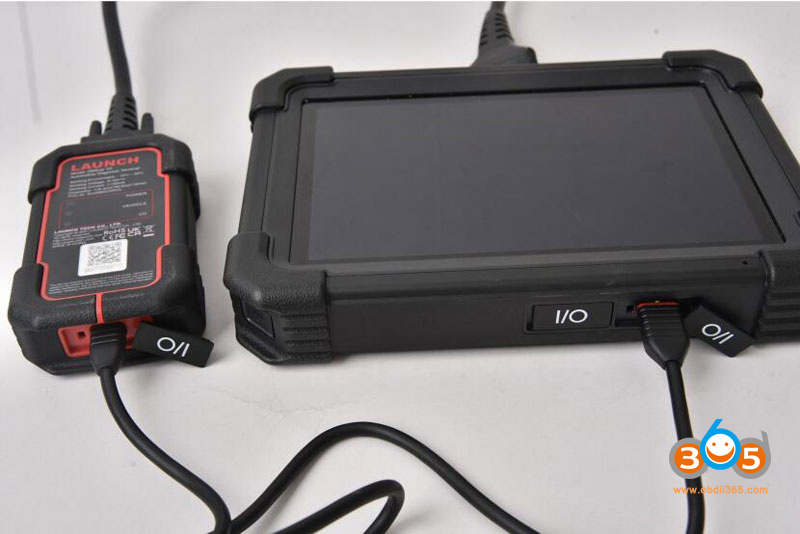
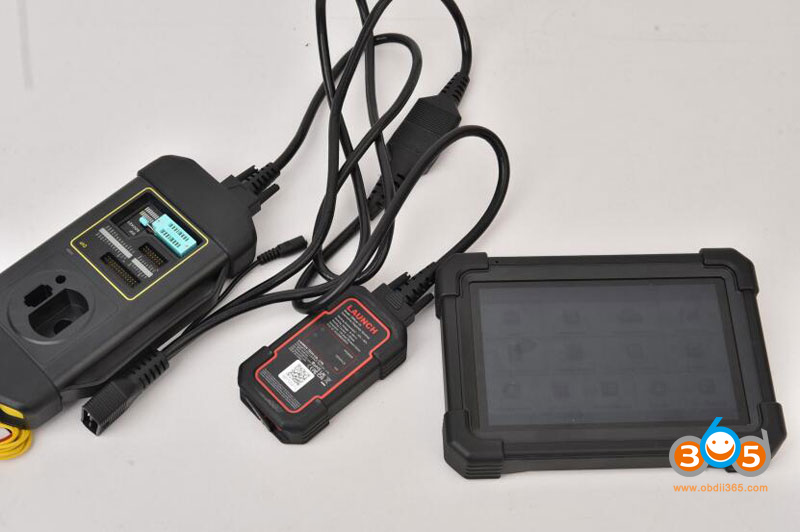
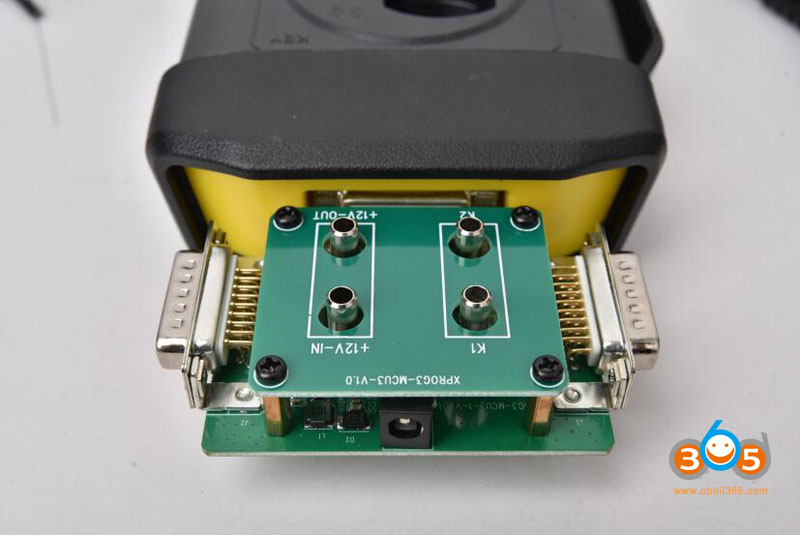
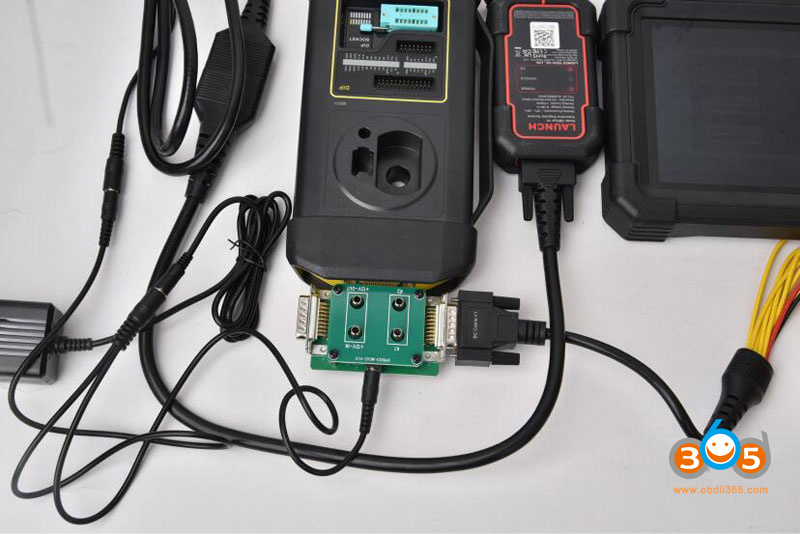
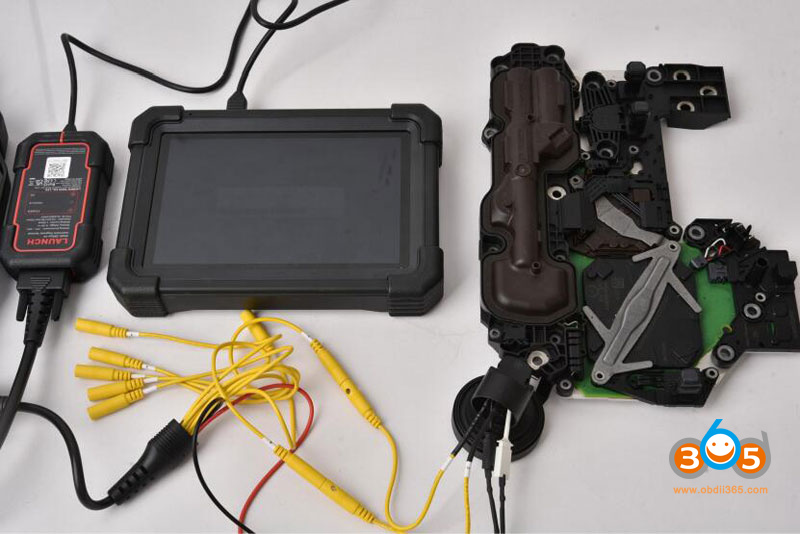
Use the exchange cable to connect Bench Model cable with the IMMO Model of the car.
Overall connection diagram

https://www.obdii365.com/service/connect-launch-x431-immo-plus-with-xprog3.html
Comments
Post a Comment